Offroad Outlaws Not Working? How to Fix Crashes, Loading & Connection Problems
Offroad Outlaws may stop working because of an app error, a connection problem, limited device resources or a game specific bug. The right solution depends on whether the game crashes, freezes on the loading screen, fails to open or has problems with multiplayer.
Start by closing the game completely, restarting your device and checking for an available update. If the problem continues, use the troubleshooting steps below for your specific issue. Before clearing app data or reinstalling the game, check how your progress is saved to avoid potentially losing local data.
How to Fix Offroad Outlaws Not Working?
Try these fixes in order, testing the game after each step. Start with the options that are least likely to affect your saved progress.
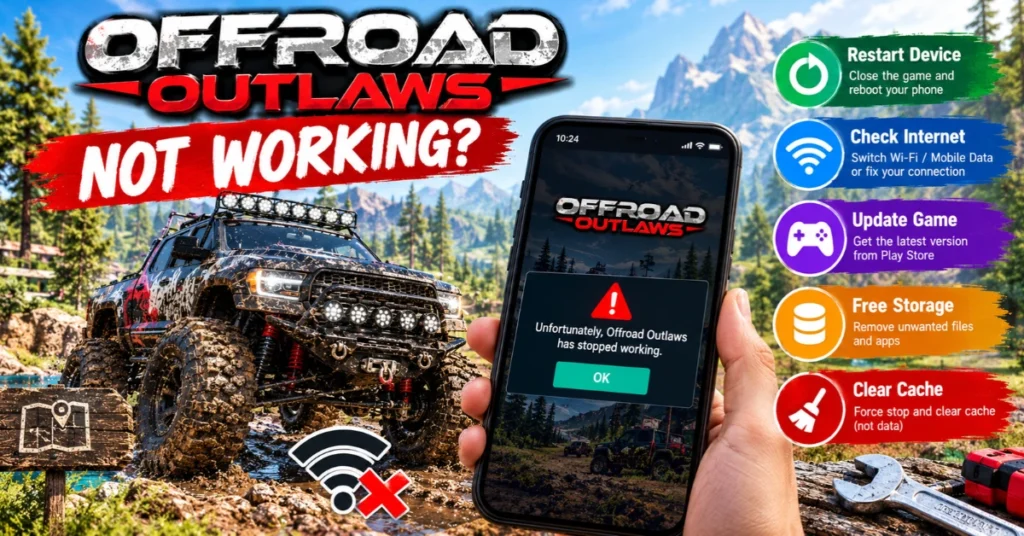
1. Close the Game and Restart Your Device
A temporary app or system error can prevent the game from opening or responding properly.
If the game works afterward, you probably do not need to change its settings or reinstall it. If it still crashes or freezes, move to the next step.
2. Check Your Internet Connection
Offroad Outlaws supports offline play as well as online multiplayer. This distinction can help you narrow down the problem.
An internet connection will not fix every startup problem so avoid assuming that all loading errors are network related.
3. Check for a Game Update
An outdated installation may contain a bug that has already been addressed in a newer release. On Android:
Install an update from the official store if one is available, then restart the game. The official Google Play listing has included fixes and gameplay changes in its release notes. However, an update being available does not prove that your current problem was caused by an older version.
4. Check Your Device’s Available Storage
Low storage can interfere with app updates and normal device operation. It is worth checking if the game closes unexpectedly, freezes or struggles to load. On Android, open Settings → Storage. The exact menu names depend on your device. If storage is nearly full:
Freeing storage is not a guaranteed fix for a game bug but it can eliminate one possible cause.
5. Force Stop Offroad Outlaws and Clear Its Cache
If restarting and updating do not help, try clearing the temporary cache.
Menu names may differ between Android manufacturers. Important: Choose Clear cache, not Clear data or Clear storage. These options are different. Clearing app data can remove locally stored information so do not use it casually when you are unsure how your game progress is saved.
Offroad Outlaws Keeps Crashing or Won’t Open
If Offroad Outlaws closes immediately after launch, returns to your home screen or repeatedly stops responding, work through these checks:
If the game began crashing after an update, check the official store listing and support channels for relevant information. If the issue persists, report the exact crash rather than assuming that reinstalling will fix it.
Offroad Outlaws Stuck on the Loading Screen
A game that remains on its loading screen may be experiencing a startup problem, a connection issue or a problem with a particular game mode. Try the following:
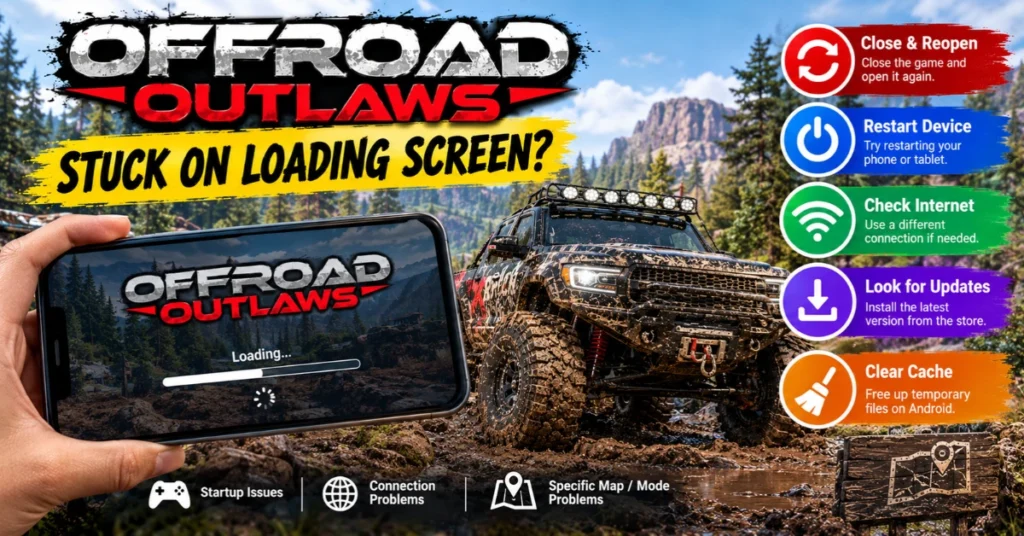
Pay attention to where the loading stops. If the main menu opens but multiplayer never loads, investigate the connection or online feature. If the game freezes before reaching the main menu, focus on startup stability, updates and device resources.
If only one map or mode causes the freeze, mention that detail when contacting support. It helps distinguish a specific gameplay issue from a general startup failure.
Offroad Outlaws Multiplayer or Connection Not Working
When single player gameplay works but multiplayer does not the problem may be limited to the network connection or online service. Try these checks:
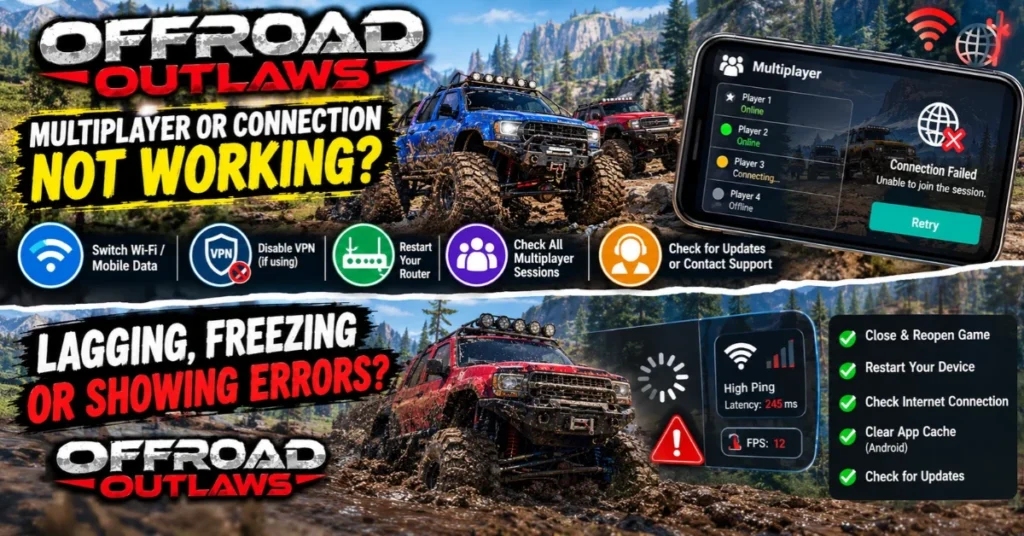
If multiplayer fails on multiple networks while offline gameplay works, record that information before changing or reinstalling the app. These checks can narrow down the cause but they cannot independently confirm whether the game’s online services are experiencing an outage.
Want to play on an iPhone or iPad? Explore our Offroad Outlaws Mod iOS guide to learn about the iOS version, download options, and what iOS users should know before getting started.
Offroad Outlaws Lagging, Freezing or Showing a Black Screen
Different performance problems can have different causes. Use the symptom to decide what to try first.
Problem | What to try |
Low FPS or stuttering | Close demanding background apps and check whether the device is overheating. |
Game freezes during play | Restart the game and device; check available storage. |
Black screen on launch | Force stop the app, restart the device and check for updates. |
Freezing on one map | Try another map to see whether the problem is specific to that area. |
Controls stop responding | Close and reopen the game; note whether it happens in a particular mode. |
If your phone becomes hot during gameplay, let it cool before trying again. Lower graphics settings, if available, may help performance on a struggling device but they will not necessarily resolve crashes or software bugs.
Offroad Outlaws Not Working After an Update
An update can introduce a compatibility problem but the timing alone does not prove that the update caused the issue. If the game stopped working after updating:
Include the game version, device model, operating system and the point at which the problem occurs. Avoid downloading an unofficial older APK as your first response. An older build may be incompatible with current services, may not solve the underlying problem and may introduce security or saved progress risks.
Should You Clear Cache or Reinstall Offroad Outlaws?
Clearing cache, clearing app data and reinstalling are not interchangeable fixes.
Action | What it does | When to consider it |
Clear cache | Removes temporary cached files | After simpler fixes fail and the game has loading or app issues |
Clear app data | Removes locally stored app data | Only after checking progress recovery and data loss risks |
Reinstall the game | Removes and installs the app again | As a last resort when safer troubleshooting steps fail |
Before clearing data or reinstalling, check whether your progress is linked to the appropriate account or game saving service. The official Google Play listing has stated that players can link Google Play Games to save progress on Android but you should verify your own setup rather than assume everything is backed up.
Also make sure you know how to recover your account and restore any relevant purchases or progress. Reinstalling does not guarantee that locally stored progress will return.
How to Contact Offroad Outlaws Support?
If none of the troubleshooting steps works, contact the developer through the official Battle Creek Games support portal. The Google Play listing also provides the support email support@battlecreekgames.com. Include:
Be specific. For example, The game opens normally but freezes when I join multiplayer on both Wi-Fi and mobile data gives support more useful information than The game is broken. Never include your account password or other sensitive login details in a support request.
Conclusion
When Offroad Outlaws stop working, identify the symptom before making major changes. Restart the game, check updates and connectivity and clear the cache when appropriate. Treat startup crashes differently from multiplayer problems and verify your saved progress recovery options before clearing app data or reinstalling. If the issue persists, send Battle Creek Games a clear report with your device details and the steps you have already tried.